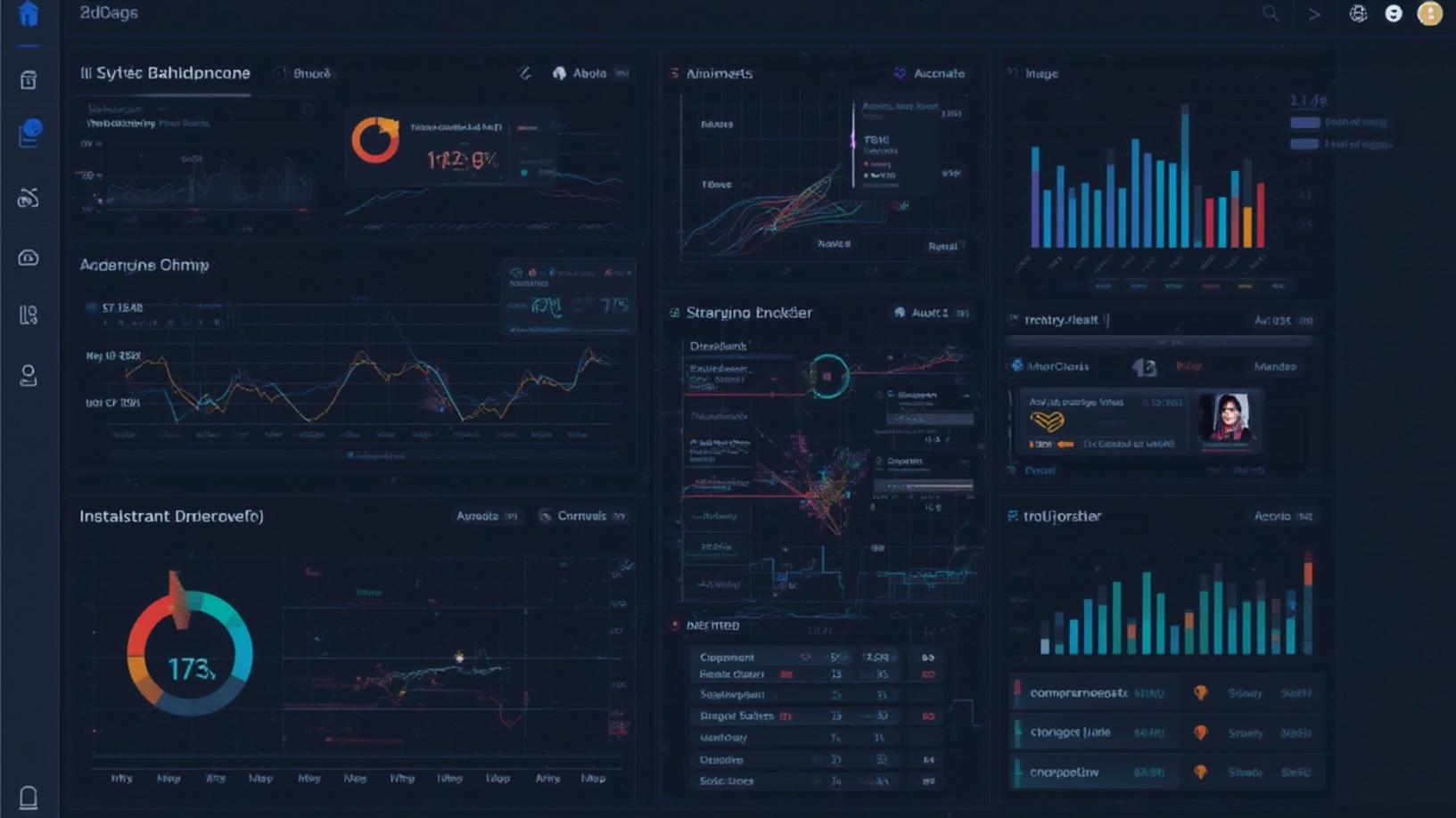
Introduction
In today’s fast-paced digital world, businesses and individuals alike are constantly seeking ways to make data more accessible and actionable. One of the most effective ways to achieve this is by creating a smart dashboard using AI. By leveraging artificial intelligence, you can transform raw data into insightful visualizations that drive informed decision-making. This blog post will guide you through the process of building a smart dashboard using AI, offering step-by-step instructions to help you get started. Whether you’re a seasoned data analyst or a beginner, this guide will provide you with the tools and knowledge needed to create a dashboard that not only looks impressive but also delivers valuable insights.
Step-by-Step Instructions
Creating a smart dashboard using AI involves several key steps, each crucial to ensuring the final product is both functional and insightful. Let’s dive into the process:
1. Define Your Objectives: Before you start building your dashboard, it’s essential to clearly define what you want to achieve. Are you looking to track sales performance, monitor social media engagement, or analyze customer behavior? Understanding your objectives will guide the selection of data sources and the design of your dashboard.
2. Choose the Right Tools: There are numerous tools available for creating dashboards, but not all of them support AI integration. Some popular options include Tableau, Power BI, and Google Data Studio. These platforms offer AI-driven features such as predictive analytics and natural language processing, which can enhance your dashboard’s capabilities.
3. Gather and Prepare Your Data: Data is the backbone of any dashboard. Ensure that you have access to high-quality, relevant data. This might involve collecting data from various sources, cleaning it to remove inconsistencies, and organizing it in a way that’s easy to analyze. AI can assist in this process by automating data cleaning and preparation tasks.
4. Integrate AI Models: Once your data is ready, the next step is to integrate AI models that can provide insights and predictions. This could involve using machine learning algorithms to identify trends, detect anomalies, or forecast future outcomes. Many dashboard tools offer built-in AI capabilities, or you can use external APIs to incorporate custom models.
5. Design the Dashboard Layout: The design of your dashboard should be intuitive and user-friendly. Consider the needs of your audience and organize the information in a logical manner. Use charts, graphs, and other visual elements to present data in a way that’s easy to understand. AI can help by suggesting optimal layouts and color schemes based on user preferences and data characteristics.
6. Test and Iterate: Once your dashboard is set up, it’s important to test it thoroughly. Check for any errors or inconsistencies and gather feedback from users. AI can assist in this phase by providing insights into user interactions and suggesting improvements. Be prepared to iterate on your design to ensure it meets the needs of your audience.
7. Deploy and Monitor: After testing, it’s time to deploy your smart dashboard. Ensure that it’s accessible to the intended users and that they have the necessary permissions to interact with it. Once deployed, continuously monitor its performance and make adjustments as needed. AI can help by providing real-time analytics and alerting you to any issues that arise.
Conclusion
Creating a smart dashboard using AI is a powerful way to transform data into actionable insights. By following the steps outlined in this guide, you can build a dashboard that not only meets your objectives but also leverages the latest advancements in artificial intelligence. Remember, the key to success is to start with a clear understanding of your goals, choose the right tools, and continuously refine your approach based on feedback and performance. With a smart dashboard using AI, you’ll be well-equipped to make data-driven decisions that drive success in your organization.


