Introduction
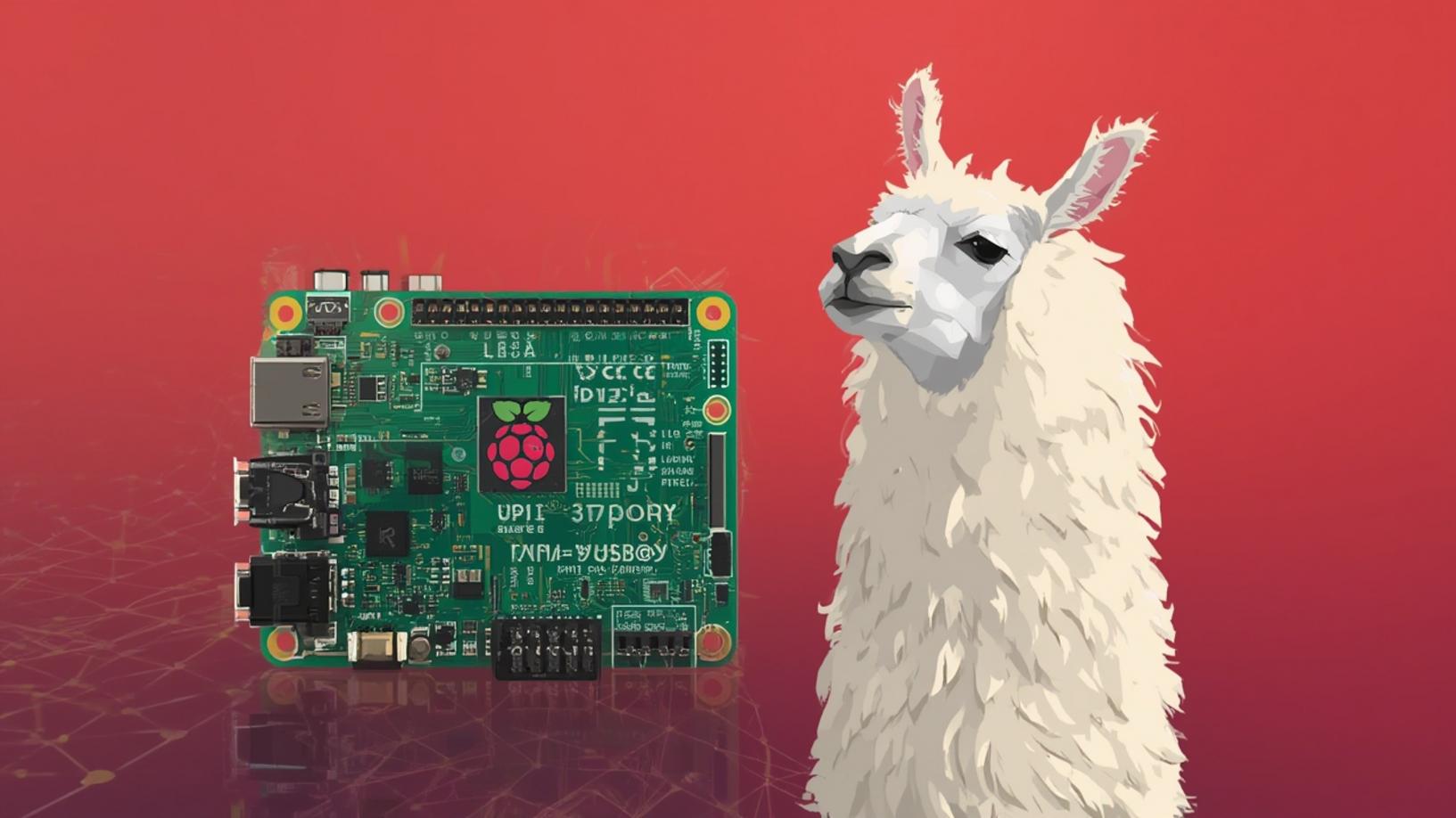
In the rapidly evolving world of artificial intelligence, deploying models like Llama 3 on compact devices such as the Raspberry Pi is becoming increasingly popular. The Raspberry Pi, known for its affordability and versatility, provides an excellent platform for experimenting with AI technologies. Deploying Llama 3 on Raspberry Pi not only showcases the potential of edge computing but also opens up new possibilities for AI applications in various fields. In this blog post, we will explore the process of setting up Llama 3 on a Raspberry Pi, providing a comprehensive guide to help you get started.
Step-by-Step Instructions
Before diving into the deployment process, it’s essential to ensure that your Raspberry Pi is equipped with the necessary hardware and software. The Raspberry Pi 4 or 5 is recommended for this task, as it offers better performance and memory capacity. Additionally, you will need a microSD card with at least 32GB of storage and a reliable power supply to ensure smooth operation.
Once your hardware is ready, the first step in deploying Llama 3 on Raspberry Pi is to install the required operating system. Raspberry Pi OS is a popular choice, providing a stable and user-friendly environment. After installing the OS, update the system packages to ensure all components are up to date. This can be done using the following commands:
sudo apt update
sudo apt upgrade
With the system prepared, the next step is to install the necessary dependencies for Llama 3. This includes Python, along with libraries such as PyTorch and Transformers, which are crucial for running AI models. You can install these using pip, Python’s package installer:
pip install torch transformers
Once the dependencies are installed, you can proceed to download the Llama 3 model. Due to its size, it is advisable to use a pre-trained version that is optimized for deployment on devices with limited resources. After downloading the model, you can use the following Python script to load and run Llama 3 on your Raspberry Pi:
import torch
from transformers import LlamaForCausalLM, LlamaTokenizermodel_name = "Llama-3"
tokenizer = LlamaTokenizer.from_pretrained(model_name)
model = LlamaForCausalLM.from_pretrained(model_name)
prompt = "Hello, how are you?"
inputs = tokenizer(prompt, return_tensors="pt")
outputs = model.generate(inputs, max_length=50)
print(tokenizer.decode(outputs[0], skip_special_tokens=True))
Deploying Llama 3 on Raspberry Pi allows you to explore the capabilities of this powerful model in a compact and energy-efficient setup. By following these steps, you can successfully run Llama 3 on your Raspberry Pi, paving the way for innovative AI applications.
Conclusion
In conclusion, deploying Llama 3 on Raspberry Pi is a rewarding endeavor that combines the power of AI with the versatility of a compact computing platform. By following the steps outlined in this guide, you can set up Llama 3 on your Raspberry Pi and begin exploring its potential. Whether you’re interested in developing AI-driven applications or simply experimenting with cutting-edge technology, deploying Llama 3 on Raspberry Pi offers a unique opportunity to engage with AI in a hands-on manner. As AI continues to advance, the ability to run sophisticated models on devices like the Raspberry Pi will undoubtedly play a crucial role in shaping the future of technology.


