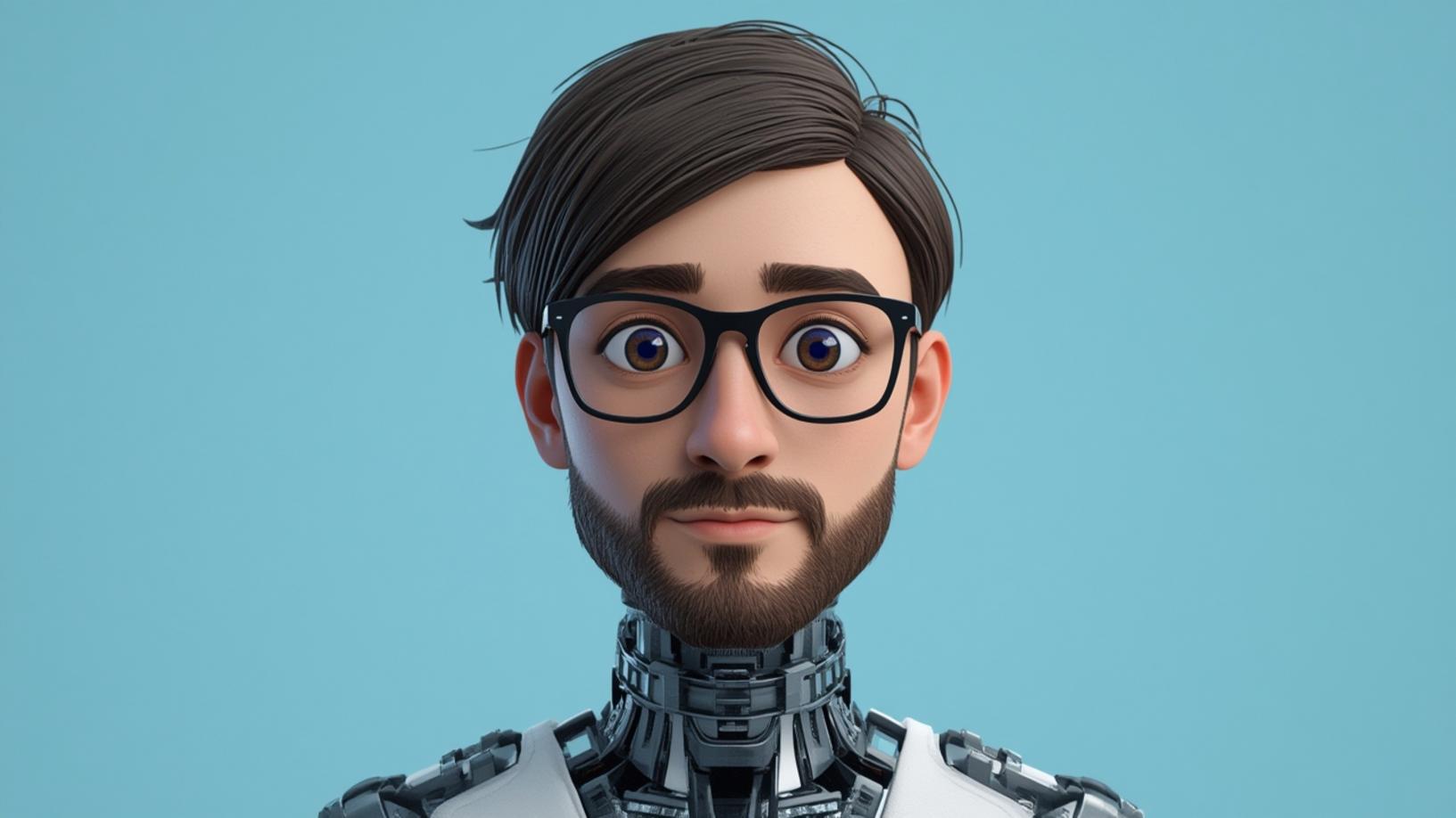
Introduction
Creating 3D avatars with AI has revolutionized the way we interact with digital environments. Whether for gaming, virtual reality, or social media, 3D avatars offer a unique way to express oneself. With the advent of artificial intelligence, the process of creating these avatars has become more accessible and efficient. AI tools can now generate highly detailed and personalized 3D avatars, making it easier than ever for users to create their digital personas. This blog post will guide you through the best practices for creating 3D avatars with AI, ensuring you achieve the most realistic and engaging results.
Step-by-Step Instructions
To begin creating 3D avatars with AI, it’s essential to choose the right software. Several AI-powered tools are available, each offering unique features and capabilities. Popular options include Ready Player Me, Zepeto, and VRoid Studio. These platforms leverage AI to simplify the avatar creation process, allowing users to generate lifelike characters with minimal effort. Once you’ve selected your preferred tool, the next step is to gather reference images or descriptions of the avatar you wish to create. This will help the AI understand your vision and produce a more accurate representation.
After setting up your software and preparing your references, it’s time to dive into the creation process. Most AI tools offer a user-friendly interface where you can customize various aspects of your avatar, such as facial features, body type, and clothing. The AI algorithms analyze your inputs and suggest modifications to enhance realism. For instance, if you’re aiming for a specific hairstyle, the AI might recommend adjustments to hair texture or color to achieve a more natural look. Throughout this process, it’s crucial to experiment with different settings and options to find the perfect combination that matches your vision.
Once you’re satisfied with the basic design, the next step is to refine your avatar’s details. This involves adding accessories, adjusting proportions, and fine-tuning textures. AI tools often provide advanced features like auto-rigging, which automatically assigns a skeleton to your avatar for animation purposes. This is particularly useful if you plan to use your avatar in interactive applications or games. Additionally, consider the lighting and environment in which your avatar will be displayed, as these factors can significantly impact its appearance. By paying attention to these details, you can ensure your 3D avatar with AI is both visually appealing and functional.
Conclusion
In conclusion, creating 3D avatars with AI is an exciting and innovative process that opens up a world of possibilities for digital expression. By following the steps outlined in this guide, you can harness the power of AI to create personalized and realistic avatars that enhance your online presence. Whether you’re a gamer, a content creator, or simply someone interested in exploring virtual identities, AI-driven avatar creation tools offer a seamless and enjoyable experience. As technology continues to evolve, the potential for creating even more sophisticated and lifelike 3D avatars with AI is limitless, promising an exciting future for digital interaction.


