Introduction
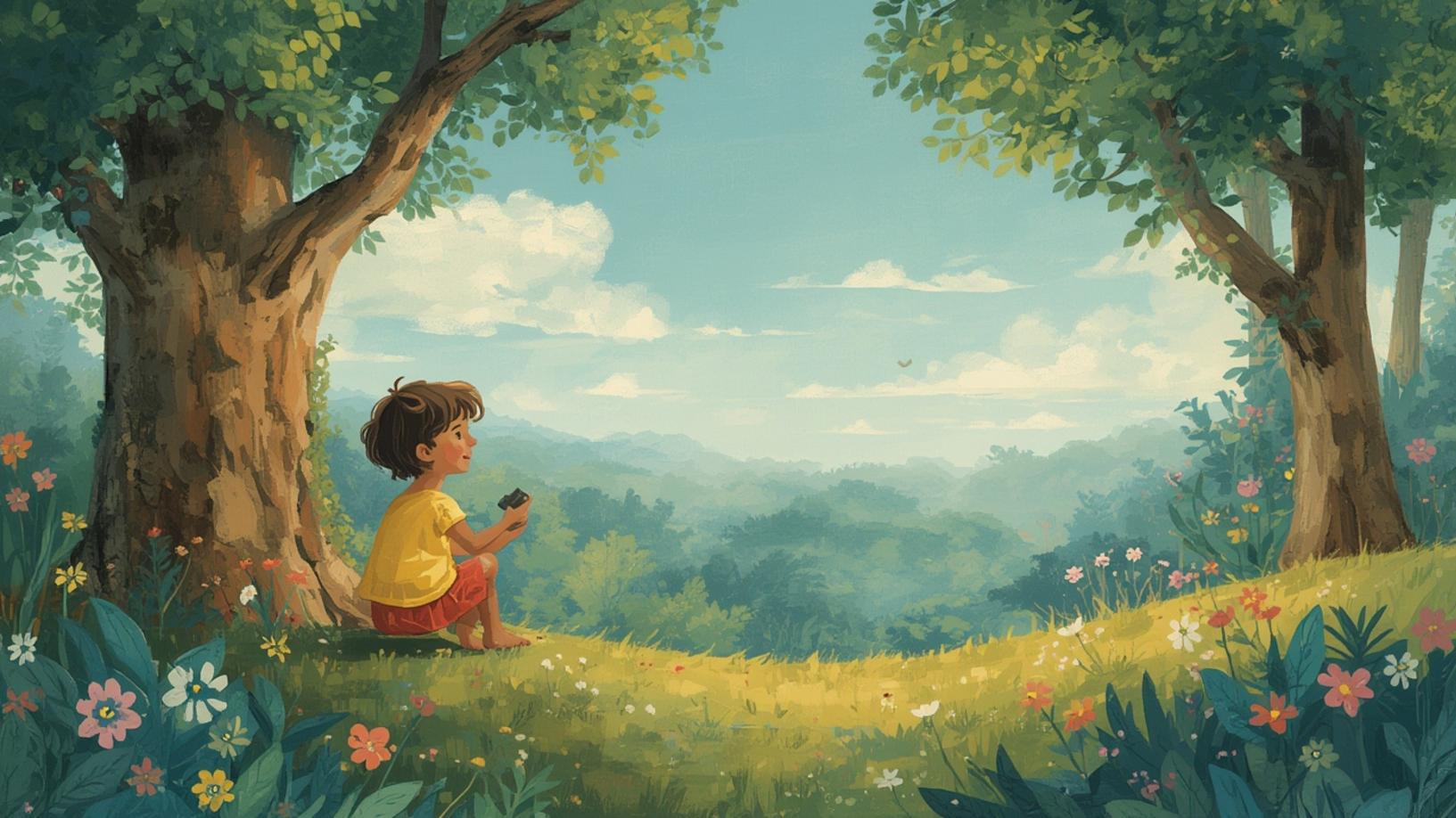
In today’s digital age, technology is revolutionizing every aspect of our lives, including how we create and consume stories. One of the most exciting advancements is the ability to Create illustrated children’s stories with AI. This innovative approach not only simplifies the storytelling process but also opens up new avenues for creativity and engagement. Whether you’re an aspiring author, a teacher, or a parent looking to craft personalized tales for your children, AI-powered tools can help bring your stories to life in vibrant, captivating ways. In this blog post, we’ll explore how you can harness the power of AI to create illustrated children’s stories, providing step-by-step instructions and insights into the tools available. Let’s dive in and discover how AI can transform your storytelling journey.
Step-by-Step Instructions
Creating illustrated children’s stories with AI is an exciting and accessible process, even for those without a background in writing or illustration. Here’s a comprehensive guide to help you get started:
1. Conceptualize Your Story: Begin by brainstorming ideas for your story. Think about the themes, characters, and messages you want to convey. Consider the age group of your target audience, as this will influence the complexity of the language and the depth of the illustrations.
2. Choose an AI Tool: There are several AI tools available that can assist in creating illustrated children’s stories. Some popular options include OpenAI’s GPT-3 for text generation and DALL-E for image creation. These tools can help you generate story ideas, write engaging narratives, and create unique illustrations.
3. Generate the Story Text: Use an AI text generator like GPT-3 to draft your story. Provide the AI with a brief outline or a few key points, and let it generate a cohesive narrative. You can refine the text by adding your personal touch and ensuring it aligns with your vision.
4. Create Illustrations: Once your story is drafted, use an AI image generator like DALL-E to create illustrations. Describe the scenes, characters, and settings you want to visualize, and let the AI generate images that complement your story. You can experiment with different styles and themes to find the perfect match for your narrative.
5. Combine Text and Images: After generating the text and illustrations, use a digital tool or software to combine them into a cohesive storybook. Ensure that the layout is visually appealing and that the text and images are well-balanced on each page.
6. Review and Edit: Review your story for any inconsistencies or areas that need improvement. Edit the text and images as necessary to ensure a polished final product. Consider seeking feedback from others to gain different perspectives on your story.
7. Publish and Share: Once you’re satisfied with your illustrated children’s story, consider publishing it. You can create a physical book using print-on-demand services or share it digitally through e-books or online platforms. Sharing your story with others can be a rewarding experience, especially if it brings joy to young readers.
Conclusion
Creating illustrated children’s stories with AI is a groundbreaking way to engage young minds and inspire creativity. By leveraging AI tools, you can streamline the storytelling process, generate unique narratives, and produce captivating illustrations that bring your stories to life. Whether you’re crafting tales for educational purposes, entertainment, or personal enjoyment, the possibilities are endless when you Create illustrated children’s stories with AI. As technology continues to evolve, the potential for AI in storytelling will only grow, offering new opportunities for authors and creators to explore. So why not embark on this creative journey and see where AI can take your storytelling? The world of illustrated children’s stories awaits your imagination.


